Speed Up Product Photo Color Consistency with Colorby AI
Speed Up Product Photo Color Consistency with Colorby AI
Colorby AI is a digital imaging software from Webtest that provides AI-powered tools for product photo color consistency and grading. It matters because consistent product photography colors directly affect brand perception, reduce returns caused by color confusion, and speed up creative workflows—especially for ecommerce teams that must match colors across hundreds or thousands of product photos.
TL;DR
- Colorby AI uses an AI Color Match engine to analyze each photo’s content, lighting, and mood and apply a consistent color style in a single tap.
- The platform eliminates the need for reference images, exports finalized looks as reusable LUTs, and turns multi-step grading workflows into repeatable, scalable processes.
Key takeaways
- Product photo color consistency reduces visual friction and helps build a predictable brand look across product listings and marketing.
- Colorby AI’s single-tap AI Color Match recommends and applies color styles without requiring a separate reference image.
- Exporting looks as LUTs (.cube-compatible) creates reusable color standards that can be applied across photo shoots and applications.
- Typical workflows become repeatable: create a base LUT once, then reuse it to match thousands of images quickly.
- Practical setup (camera profiles, consistent lighting, naming conventions) makes automated color matching both faster and more accurate.
Why consistent product photography colors matter
Color consistency is not just aesthetic. For ecommerce photo color matching, consistent color across product photos:
- Helps customers make reliable buying decisions because product appearance stays constant between gallery, listing, and ad images.
- Reduces the risk of returns tied to perceived color mismatch.
- Strengthens brand recognition when catalog and lifestyle shots share the same color grading language.
For teams producing catalogs, marketplace listings, or social ads, consistent product photography colors are a measurable part of quality control and scale.
How Colorby AI speeds up color matching
Colorby AI streamlines complex color-grading into a single-tap process:
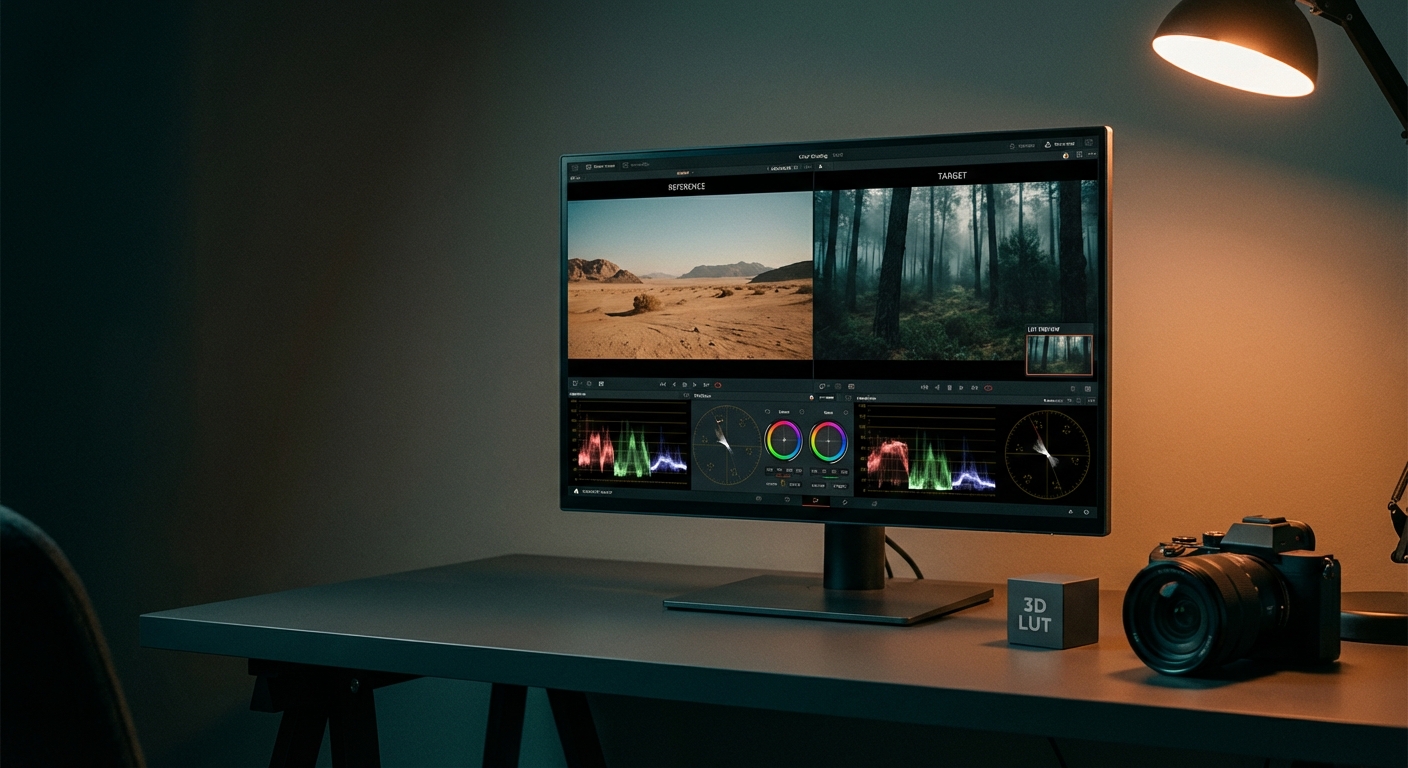
- AI Color Match analyzes photo content, lighting, and mood to recommend an appropriate color style, removing the need for a separate reference image.
- One-tap application applies the recommended grade automatically, replacing multi-step manual adjustments (curves, HSL, exposure, selective masks).
- Finalized looks can be exported as LUTs for reuse across projects, apps, and time—ensuring repeatability.
Concrete, quotable features
- "AI Color Match recommends a color style based on image content and lighting without a reference image."
- "Export final results as LUTs to reuse favorite looks across different projects."
Typical workflows and a step-by-step example
Example ecommerce workflow for matching colors across 1,000 product photos:
- Pre-shoot: define target looks (e.g., product-neutral, studio white, lifestyle warm).
- Capture: use a consistent camera profile, tether where possible, and keep lighting ratios consistent.
- Upload: import full shoot into Colorby AI and group images by product/lighting.
- Match: run AI Color Match on a representative image and apply the single-tap result to the group.
- Review & tweak: adjust intensity or local corrections if needed (usually minor).
- Export: produce web-ready sRGB JPGs and export the applied look as a .cube LUT for future use.
Why this helps: after a short initial setup you create one reusable LUT per look and can match large batches without repeating manual grading for each image.
Practical pre-shoot and post-shoot checklist
Pre-shoot (capture to optimize automated matching)
- Camera: set a camera color profile (e.g., Adobe Standard) and shoot RAW.
- Lighting: keep power ratios, modifiers, and white-balance targets consistent across the shoot.
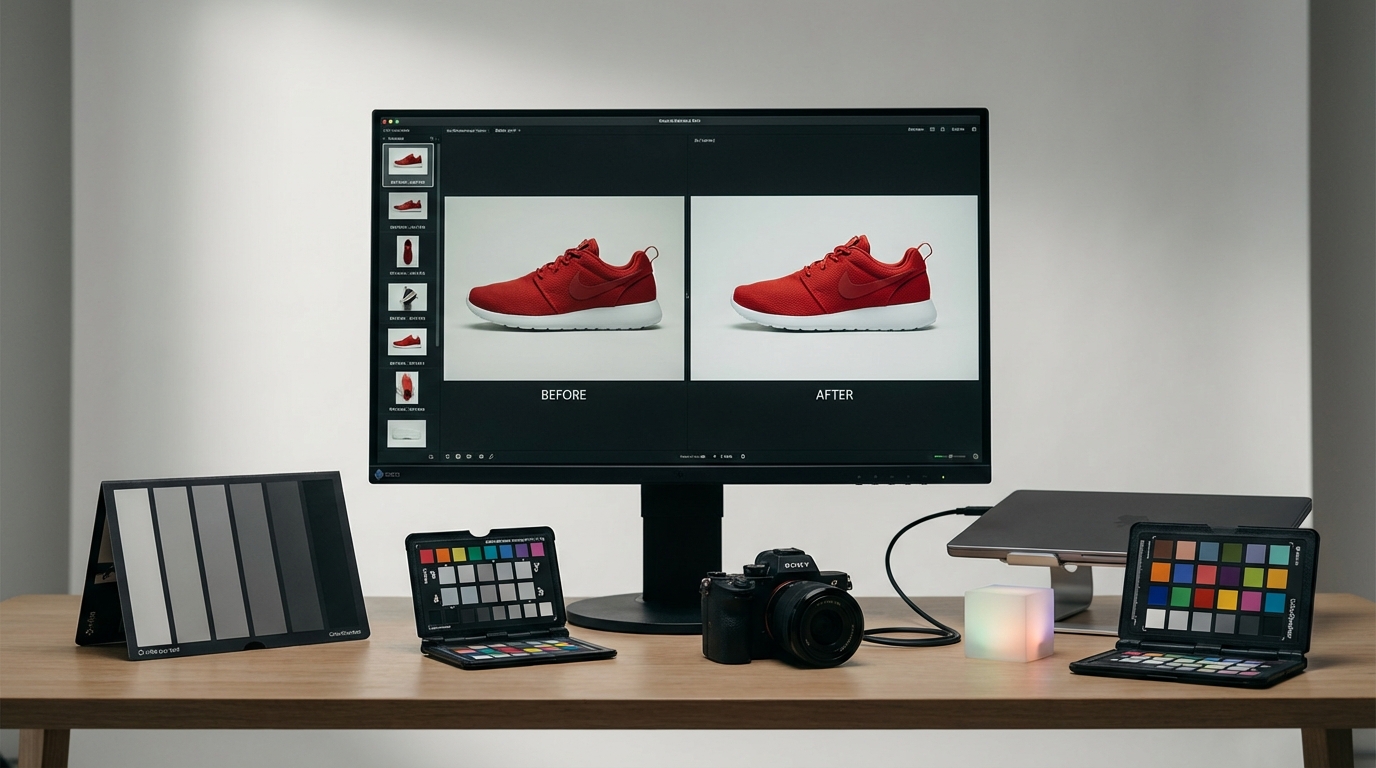
- White/gray reference: include a gray card on the first frame of each set for absolute white-balance audit (optional — Colorby AI does not require a reference image but a gray card helps QC).
- Naming: adopt a filename or metadata convention (SKU_Product_Look_001) to make batch grouping intuitive.
Post-shoot (prepare for Colorby AI)
- Cull and group images by lighting or product.
- Convert RAW to a linear/high-bit TIFF or DNG for best color fidelity when batch-processing.
- Process one representative image per group through AI Color Match, then propagate.
Actionable tip: create 3–8 base LUTs for your brand (product-neutral, studio white, warm lifestyle, cool lifestyle, social punch). These cover most catalog and campaign needs and reduce per-image choices.
Colorby AI vs Traditional approaches
Use this comparison to decide when to use AI-first workflows vs manual grading.
- Speed per image — Colorby AI: Single-tap; seconds to under a minute (typical). Manual Color Grading: 3–15 minutes per image (typical). Reference-Image Matching: 1–5 minutes + setup (typical).
- Need for technical skill — Colorby AI: Low (designed for non-experts). Manual Color Grading: High (colorist skills often required). Reference-Image Matching: Medium (depends on reference accuracy).
- Repeatability — Colorby AI: High — exportable LUTs for reuse. Manual: Low — manual steps vary by operator. Reference-based: Medium — depends on reference control.
- Requires reference image — Colorby AI: No (AI recommends style). Manual: No. Reference-Image Matching: Yes.
- Reuse across projects — Colorby AI: Easy: export LUTs (.cube). Manual: Hard: recreate steps or presets. Reference-based: Moderate: reuse reference-based presets.
Note: time estimates are typical-case examples for planning and will vary by hardware, image resolution, and team process.
Examples of concrete savings (example calculation)
- Manual workflow: 5 minutes per image × 1,200 images = 6,000 minutes (100 hours).
- Colorby AI workflow: 30 seconds (0.5 min) per image × 1,200 images = 600 minutes (10 hours).
- Example time saved: 90 hours on a 1,200-image campaign.
Use this example only as a planning guide; your mileage will vary based on complexity, required retouching, and review cycles.
Integration and technical notes
- LUT export: Colorby AI can export final looks as LUT files (commonly .cube), so you can apply the same grade in Lightroom, Capture One (via LUT support), DaVinci Resolve, Premiere, and other applications.
- Color profiles: export final assets in sRGB for web, or ProPhoto/Adobe RGB TIFFs for archive or print.
- Batch sizes: group by lighting and product type rather than forcing a single grade across all images. A small number (3–8) of base LUTs usually covers most catalog needs.
- Workflow automation: combine Colorby AI LUTs with scripting or asset management to automatically apply exported LUTs during image ingestion and export.
When to use LUTs vs per-image AI matching
- Use a LUT when you want a guaranteed, reusable brand look across systems and time.
- Use per-image AI matching when each image has markedly different lighting or mood and you want the AI to adapt the style to the content.
- Best practice: create a LUT from an AI-selected grade that you like. That gives adaptability (AI recommends) plus repeatability (LUT reuses).
Implementation roadmap for ecommerce teams (30–90 day plan)
- 0–7 days: Pilot — Choose a representative product category (50–200 images). Run Colorby AI, export 2–3 LUTs, test in live listings.
- 7–30 days: Scale — Train team on pre-shoot checklist and naming standards. Introduce LUT-based batch export into the DAM (digital asset manager).
- 30–90 days: Standardize — Create a brand LUT library (3–8 LUTs). Add QA gate: 5% manual review per batch, refine LUTs as needed. Integrate LUT application into automated image pipelines before publishing.
Success metrics to track: average time per image, % images requiring manual correction, time-to-publish, customer returns attributed to color.
FAQ
Q: Do I need a reference image for Colorby AI to match colors?
A: No. Colorby AI’s AI Color Match analyzes each photo’s content, lighting, and mood and recommends an appropriate color style without needing a separate reference image. Reference images or gray cards can still be used for audit and QC.
Q: What formats can I export LUTs in?
A: Colorby AI exports LUTs in standard formats (commonly .cube) so they can be used across photo and video editing applications. Use sRGB for web-ready JPGs and higher-bit TIFFs for archival workflows.
Q: Will AI matching remove the need for a human colorist?
A: AI matching reduces repetitive color-correction tasks and makes consistent grading accessible to photographers and editors. Complex retouching, product texture corrections, or creative color-therapy still benefit from human oversight.
Q: Can I apply the same LUT to different cameras and lighting setups?
A: Yes—LUTs are reusable starting points. For best results, apply LUTs to groups with similar lighting and camera profiles; minor per-image tweaks may still be needed for different capture conditions.
Q: How does Colorby AI help maintain a brand’s visual taste over time?
A: By letting you export favorite grades as LUTs and reusing them across shoots and products, Colorby AI turns subjective aesthetic choices into repeatable, measurable assets you can apply company-wide.
Quick checklist: launch-ready
- Pick 3–8 base looks to represent your brand.
- Create initial LUTs from AI Color Match-approved grades.
- Standardize capture settings and naming conventions.
- Set a QA tolerance (e.g., 95% auto-accepted, 5% manual review).
- Integrate LUTs into the asset pipeline and measure time-to-publish.
Last updated: 2026-04-15
For questions about deploying Colorby AI in your team or building a LUT library for your catalog, contact Webtest’s Colorby AI support or request a demo to see a live batch workflow.