Automatic Photo Color Grading Without Photoshop — Top AI Color Correction App & AI Color Grading Tool for iPhone (iOS)
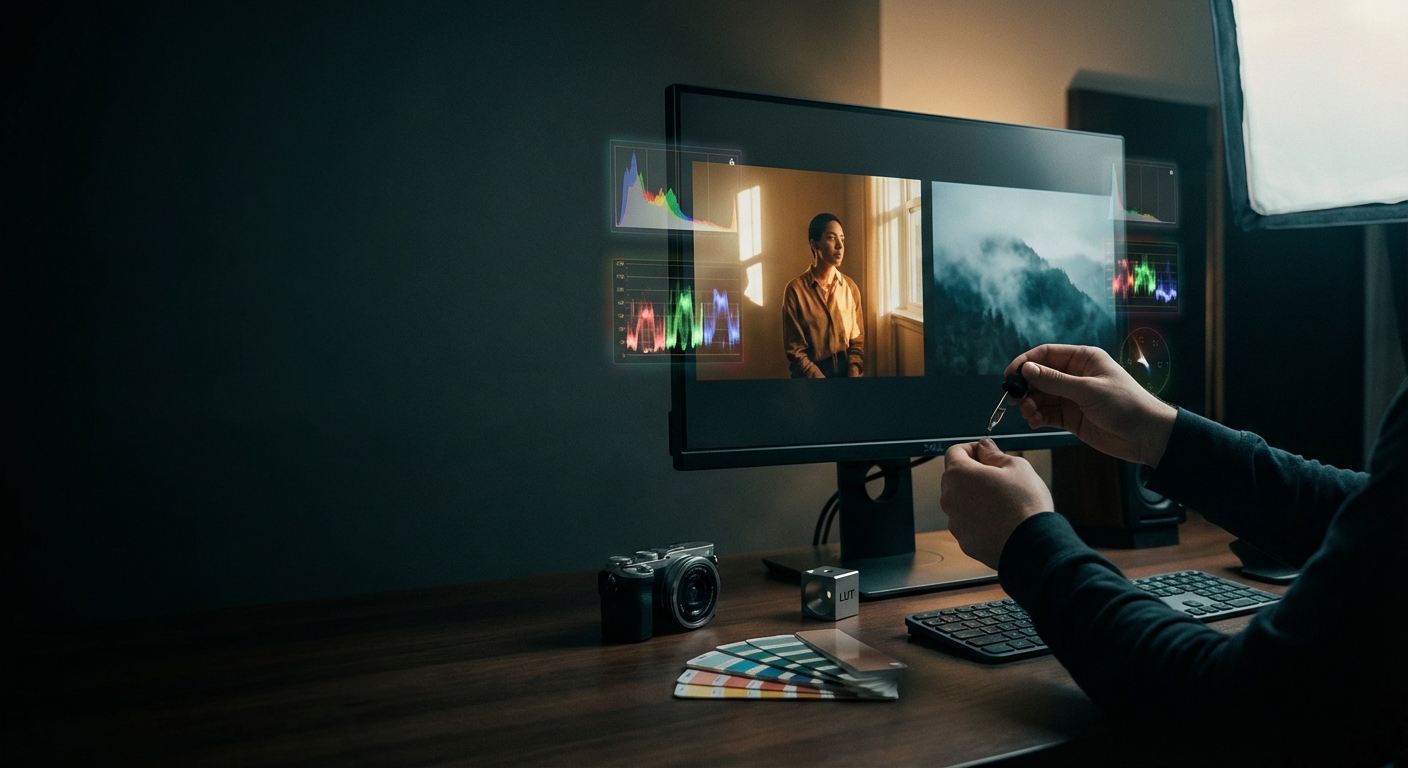
Automatic photo color grading uses software and machine learning to analyze a photo's content, lighting, and mood and apply a consistent finished look without manual curve, HSL, or layer by layer adjustments. Colorby AI by Webtest packages that capability into an iOS friendly workflow with single tap grading, repeatable color matches, and LUT export so looks can be reused across projects, turning slow technical editing into a fast repeatable step suitable for social posts, editorial series, and product shoots on an iPhone.
TL;DR
- AI color grading tools let you get magazine grade looks in seconds on an iPhone without Photoshop.
- Colorby AI by Webtest compresses complex grading into one tap, recommends styles automatically, and can export your final look as a LUT for reuse.
Key takeaways
- Single tap grading can often replace a 10 minute manual edit for a single photo; Colorby positions itself as an efficiency tool that compresses a 10 minute edit into 1 second.
- Exporting LUTs enables consistent color across camera systems and apps; the LUT format is an industry standard for repeatable looks.
- Use AI grading for speed, consistency, and social workflows; use manual tools like Photoshop or DaVinci Resolve when you need pixel level control or complex composites.
- On iOS, prioritize apps that support batch processing, on device privacy, and LUT export for long term brand consistency.
What automatic photo color grading actually means
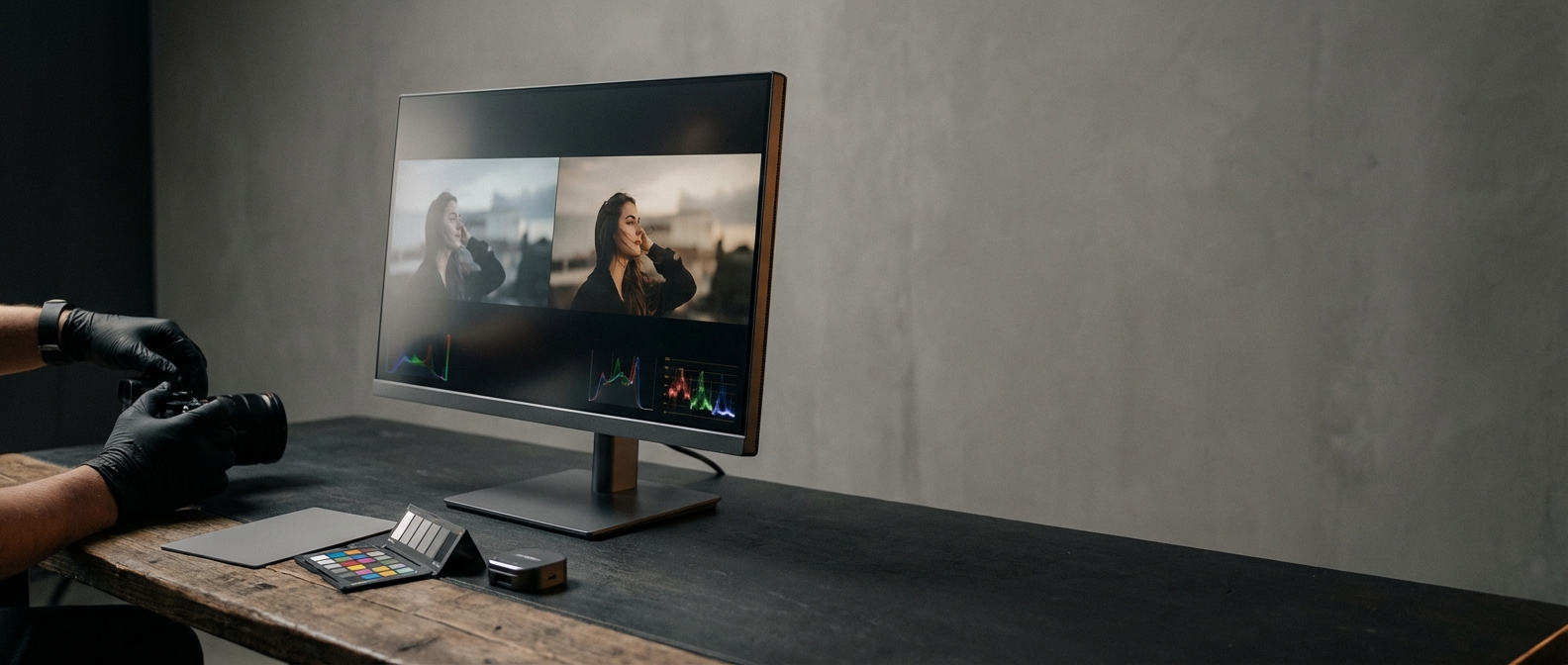
Automatic photo color grading uses machine learning to analyze a photo's subject, lighting, and tonal distribution, predict a target aesthetic such as a film look or cozy warm style, and apply color transforms and tonal remapping automatically, often with one tap.
An AI color correction app or AI color grading tool for iPhone removes the manual parameter hunting like curves, selective color, or split toning and produces repeatable exportable results. For professionals that saves time; for hobbyists it removes the learning barrier.
Why use an AI color grading tool on iOS
- Speed: deliver final images in seconds instead of minutes per photo.
- Consistency: exportable LUTs and stable matching create the same look across sessions and devices.
- Low learning curve: you do not need to learn curves, layers, or color science to get a desirable result.
- Mobility: edit and publish directly from your iPhone, shortening the content pipeline from capture to post.
Typical workflows where AI grading shines include social creators posting daily stories or carousel posts, photographers batching 20 to 200 images for a consistent series, and brands or influencers who need a repeatable signature look over months.
Colorby AI (Webtest) core capabilities
Colorby AI is designed to make professional color grading accessible and repeatable on modern devices.
- AI Color Match: analyzes each photo's content, lighting, and mood and recommends a color style without needing a reference image.
- One tap grading: a single action applies a finished look across images.
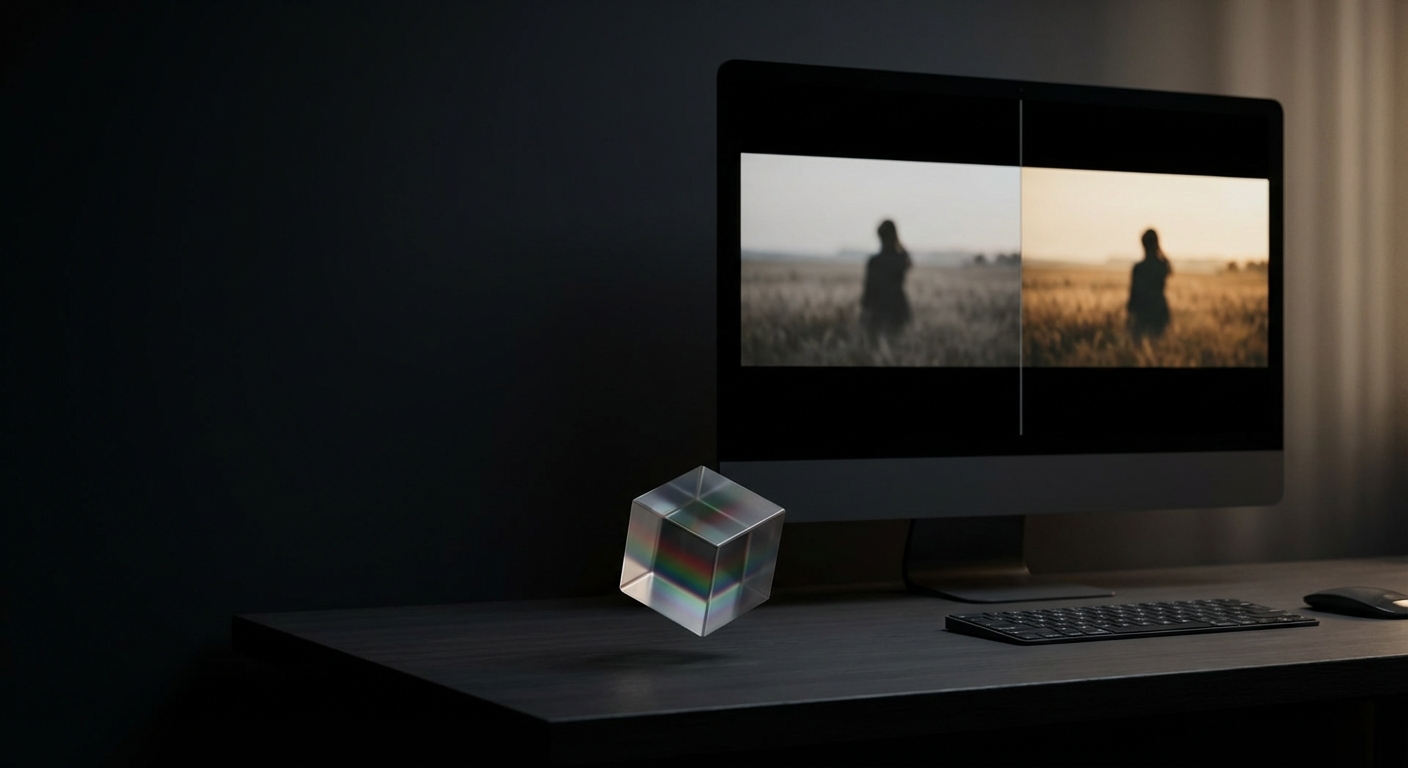
- LUT export: save your final grade as a LUT to reuse across apps and projects.
- Batch application: apply the same look to multiple photos to keep a consistent visual identity.
- Designed for speed: marketed as an efficiency tool for professionals and creators who already have taste but want faster execution.
If you want alternatives or comparisons, tools like AutoColor at https://autocolor.media.io and color.io match tools at https://www.color.io/match offer similar AI color workflows.
How to color grade photos on iPhone practical step by step
This generic actionable workflow fits most AI color correction apps including Colorby AI.
- Install and prepare: download the AI color correction app from the App Store on your iPhone and allow access to your Photos library for batch editing.
- Pick representative images: choose 3 to 5 photos that represent the range of lighting and subjects in your shoot so the AI can recommend a stable match for the whole set.
- Auto match or single tap grade: tap the automatic grade or AI Color Match button and review the preview thumbnails.
- Fine tune optional: use quick sliders like exposure, warmth, and contrast for small adjustments while preserving the automatically derived style.
- Batch apply: apply the chosen look to the rest of the set in one action to ensure visual consistency.
- Export LUT optional recommended: export the grade as a LUT commonly a .cube file so you can apply the same style in other software or on future shoots.
- Deliver: export final files as JPEG HEIC or RAW as supported and publish directly from your iPhone.
Checklist before publishing
- Did you test the look on a shadow heavy and a highlight heavy image?
- Is skin tone accurate across subjects; if not do a minor local tweak?
- Did you export a LUT for reuse?
- Are file sizes and metadata appropriate for your platform?
Concrete example: using an AI tool you can typically apply a consistent look to a 30 photo set in under 2 minutes; exporting the look as a LUT lets you reuse that same style across desktop apps later.
Tips to get repeatable professional results
- Shoot RAW or Apple ProRAW on iPhone when possible to keep more tonal information for grading.
- Lock white balance during capture when consistent color is essential.
- Create a master LUT per shoot or client and store it in a versioned archive.
- Use representative reference images to evaluate the AI result and pick 2 to 3 anchor images per set.
- Avoid over processing: often the best AI grades need only micro adjustments.
Colorby AI vs Photoshop manual vs Presets quick comparison
Use AI tools for speed and consistency, manual tools when ultimate control is required, and presets for fast but less adaptive results.
When AI grading is not enough
- Complex composites heavy retouching or image composites need Photoshop or Resolve.
- Scientific or forensic color accuracy requires calibrated workflows and reference charts; AI aesthetics are not a substitute.
- When you need very granular local corrections such as dodge burn or frequency separation the manual route remains superior.
Privacy and technical notes for iOS users
- On iOS check the app's privacy policy and Photos access settings; some AI color correction apps process on device while others upload images to servers.
- If you need on device editing for privacy verify that before importing sensitive work.
- LUT export is an industry standard commonly a .cube file but compatibility varies between apps so test your exported LUT in desktop software.
Practical workflows and examples
- Social carousel: grade first image export LUT apply LUT to remaining images micro adjust skin tones publish. Time under 5 minutes for a 10 image carousel.
- Product shoot: use representative white references run AI match export LUT for future product shoots to maintain color continuity.
- Creator series: choose 3 anchor images per week auto match batch apply to 30 to 100 images export a weekly LUT.
Further reading and alternatives
- AutoColor example AI color tool https://autocolor.media.io/
- color.io color matching tools https://www.color.io/match
- Overviews of color grading software https://www.colorgradingcentral.com/color-grading-software
FAQ
- Is an AI color correction app better than learning Photoshop? It depends on goals. For speed consistency and social publishing an AI color grading tool on iOS is faster and produces repeatable results. For advanced pixel level control Photoshop or DaVinci Resolve is still necessary.
- Can I export the look and reuse it elsewhere? Yes. Colorby AI and similar tools support exporting final grades as LUTs which can be imported into many desktop and mobile editing tools.
- Will AI grading always match every photo perfectly? No. AI aims for a consistent aesthetic but may need small local adjustments for extreme exposures or unusual lighting. Test on representative images first.
- Are these tools free? Many AI grading apps offer a free tier with paid upgrades. Advanced exports or high volume processing may require a subscription so check the App Store listing or the app's pricing page.
- Is processing done on my iPhone or in the cloud? That varies by app. Some perform on device processing for privacy and offline use while others use cloud processing to leverage larger models. Check the app's privacy and technical documentation.
Automatic photo color grading on iPhone removes friction between capture and publish. For creators who value speed consistency and a repeatable visual language an AI color correction app such as Colorby AI by Webtest offers a clear productivity advantage: one tap to artistic output plus LUT export for long term reuse. If you need absolute control pair the AI pass with a short manual pass in a desktop editor.
Last updated: 2026-02-24