Best AI Picture Editor to Match Photo Style — Colorby AI Simplifies AI for Photo Editing
Best AI Picture Editor to Match Photo Style — Colorby AI Simplifies AI for Photo Editing
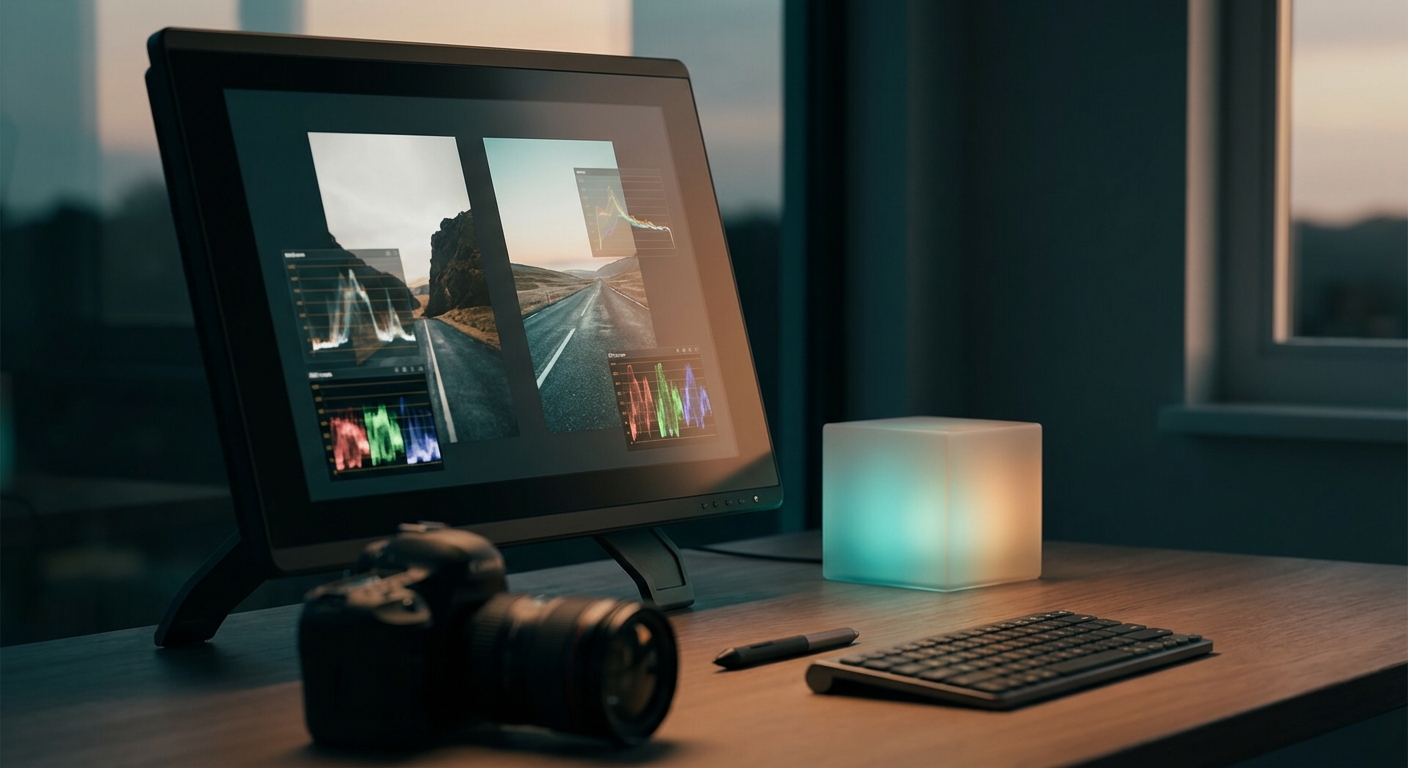
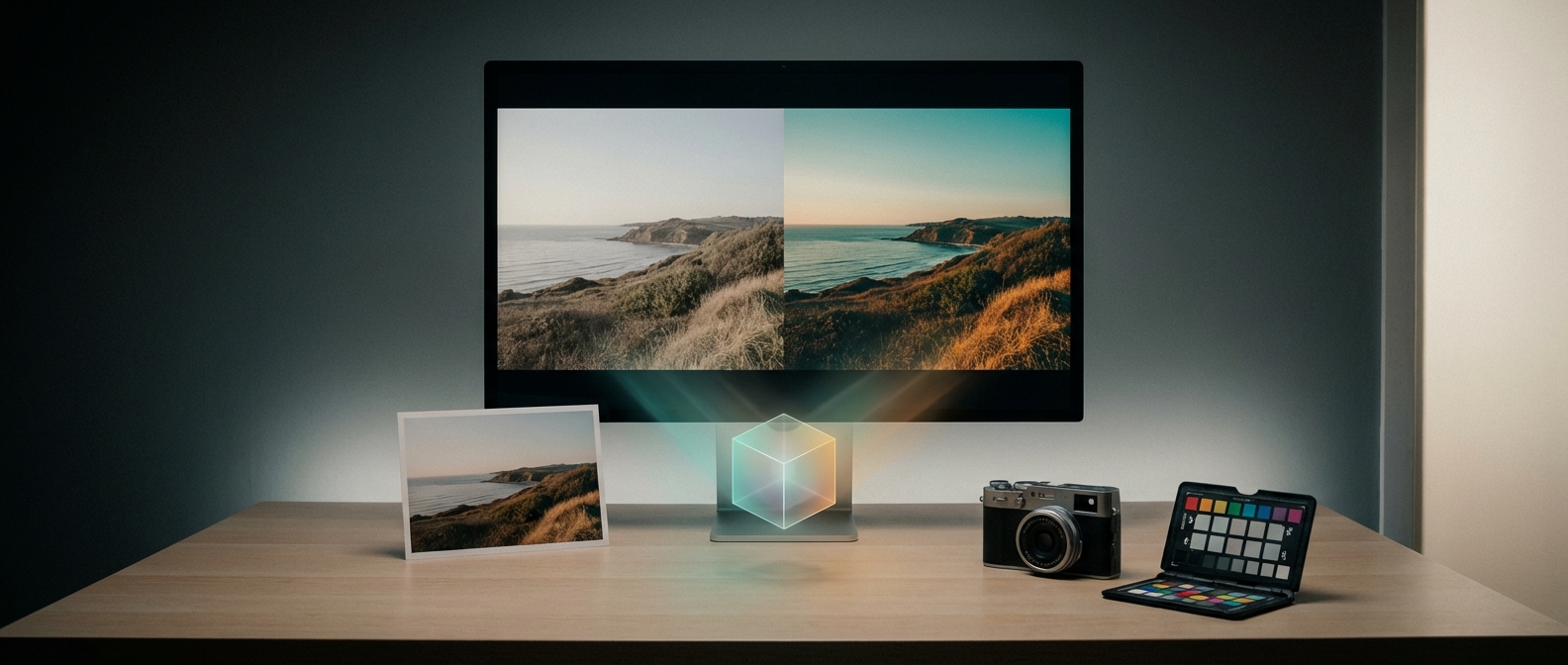
Colorby AI is a digital imaging software from Webtest that uses machine learning to automate color matching and grading in photos. Consistent color and mood across a set of images is one of the fastest ways to create a professional visual identity, yet traditional color grading is time-consuming and technically demanding. Colorby AI condenses that work into a single-tap workflow called AI Color Match and lets users export final looks as LUTs for repeatable reuse.
TL;DR
Colorby AI is an ai picture editor focused on reliably matching photo style across images using an AI Color Match engine that analyzes content, lighting, and mood. It simplifies ai for photo editing by turning complex grading into a single-tap recommendation and by allowing exportable LUTs so looks can be reused across projects.
Key takeaways
- Colorby AI streamlines complex color grading into a single-tap workflow (AI Color Match) so users can match photo style without technical color-grading expertise.
- The platform analyzes each photo’s content, lighting, and mood to recommend an appropriate color style, removing the need for external reference images.
- Final looks can be exported as LUTs (lookup tables) so a chosen style can be applied consistently across cameras, software, and future projects.
- Practical for photographers, content creators, and visual professionals who need repeatable visual consistency and faster editing turnarounds.
- Built by Webtest, Colorby AI reduces repetitive editing and shortens project turnaround without requiring manual curve or layer adjustments.
Why matching photo style matters
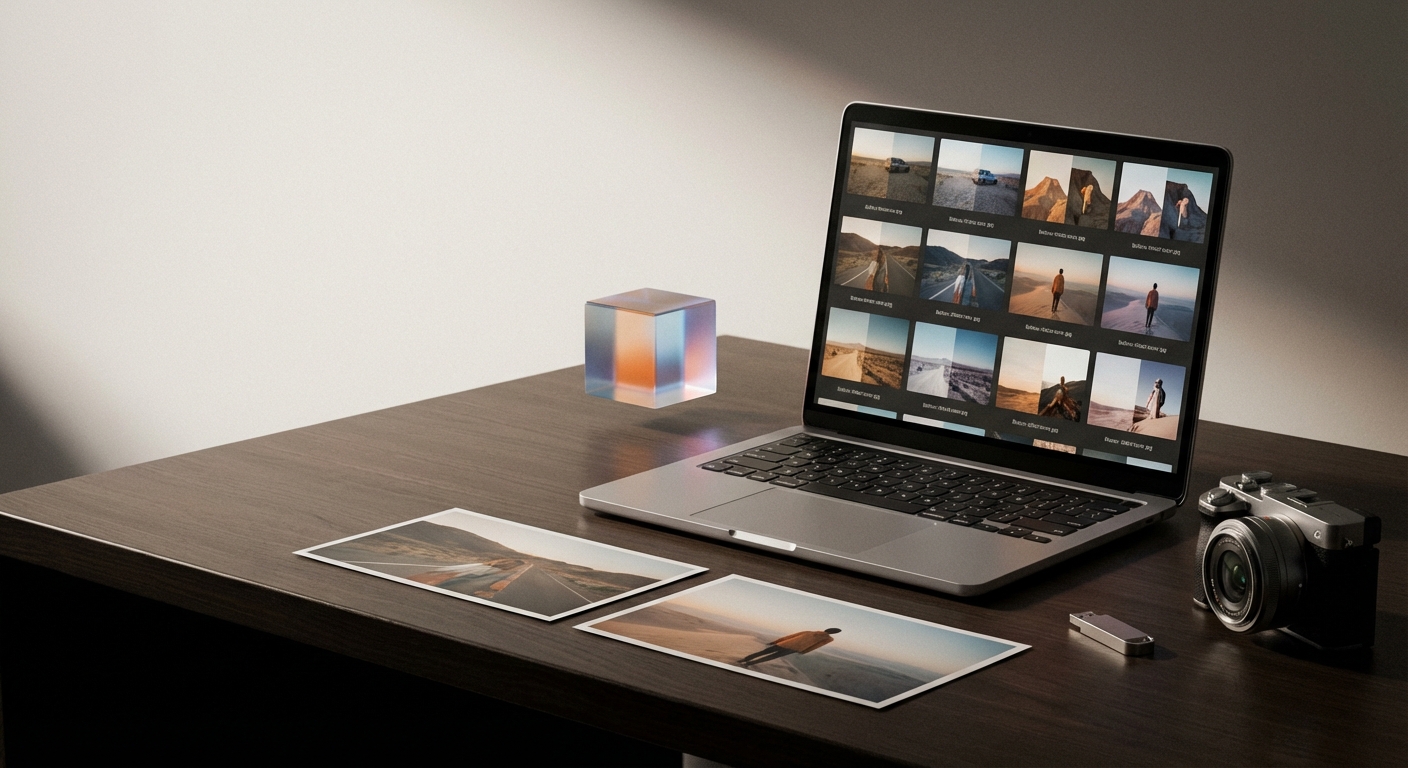
Matching photo style means applying a consistent color, contrast, and tonal mood across multiple images so they read as part of the same visual story. Consistent style matters for brand recognition, portfolio presentation, social feeds, and film or series continuity. A matched style saves time downstream: once you have a verified look, you can apply it to future shoots and maintain a predictable output.
For many creators, the hard part is repeatability: getting the same look across different lighting conditions, cameras, and dates. Colorby AI addresses that problem by converting a chosen aesthetic into a data-driven LUT that can be reapplied reliably.
What Colorby AI does — core features at a glance
- AI Color Match: analyzes image content, lighting, and mood to suggest a color grade automatically. "AI Color Match analyzes each photo’s content, lighting, and mood to recommend an appropriate color style, eliminating the need for reference images."
- Single-tap workflow: streamlines complex color-grading decisions into a one-click recommendation that can be applied and refined.
- LUT export: exports final color results as LUT files so looks are reusable across editing suites and future projects.
- Purpose-built for repeatability: designed to reduce repetitive editing and shorten turnaround times for photographers and visual professionals.
Quotable product fact: "Colorby AI streamlines complex color grading workflows into a single-tap process."
How Colorby AI matches photo style — step-by-step workflow
- Import a batch of images into Colorby AI.
- Run AI Color Match on a single representative photo (single-tap).
- Review the AI recommendation and, if needed, make small manual adjustments (exposure, highlights, or warmth).
- Apply the approved look to the rest of the batch (batch-apply).
- Export the final look as a LUT (.cube or other common formats).
- Reuse the exported LUT in other apps or new projects for consistent styling.
This 6-step flow converts aesthetic intent into a reusable asset (LUT), turning subjective taste into repeatable technical output. Example: pick a favorite portrait from a shoot, run AI Color Match, tweak +2 warmth and –0.2 highlights, apply to 120 images, then export the LUT for future shoots.
Practical checklist for producing repeatable color style
- Select a representative image that shows the face, midtones, shadows, and highlights you want to standardize.
- Run AI Color Match and compare before/after at 100% on skin tones and highlight roll-off.
- Verify that the grade maintains accurate skin tones across varied exposures (make a small 3–5 image test).
- If exporting a LUT, name it with date + camera + brief description (e.g., "2026-03-31_A7IV_WarmFilm_85mm").
- Store LUTs in a shared folder or asset manager so the team can apply the same look in Premiere, DaVinci Resolve, Lightroom, or other tools.
Checklist item example: Always validate LUTs on a neutral gray or color-check image to ensure no unintended color casts appear.
Exporting and reusing looks (LUTs)
Why export LUTs?
- Reuse: apply the same color transform across photo and video projects.
- Portability: move looks between editing apps that accept LUTs.
- Consistency: ensure the same final aesthetic months or years later.
How to export clean, usable LUTs:
- Export at 3D 32-bit cube when possible for higher fidelity.
- Test LUTs on multiple images with different exposures and white balances.
- Include a small readme with the LUT (camera, white balance range, recommended exposure offset).
Practical note: LUTs encapsulate a color transform but are not a replacement for exposure correction or local retouching—use them as a consistent base, then finish with local edits as required.
Colorby AI vs Manual Grading vs Typical AI Editors
Use this short comparison to decide when to use Colorby AI versus manual grading or other AI editors.
- Match photo style without reference images: Colorby AI — Yes (AI Color Match analyzes content & mood); Manual Grading — No (you need a reference or manual taste); Typical AI Editors — Varies.
- Single-tap recommendation: Colorby AI — Yes; Manual Grading — No; Typical AI Editors — Some.
- Exportable LUTs: Colorby AI — Yes; Manual Grading — Possible but manual; Typical AI Editors — Some support LUTs.
- Repeatability across projects: Colorby AI — High (LUTs + AI); Manual Grading — Low to medium; Typical AI Editors — Medium.
- Learning curve: Colorby AI — Low; Manual Grading — High; Typical AI Editors — Medium.
- Best for: Colorby AI — Fast, repeatable color matching for professionals; Manual Grading — Fine-grain creative control; Typical AI Editors — Quick edits with references.
Use case guidance: Use Colorby AI when you need consistent, repeatable looks fast across many images. Use manual grading when you require fine creative control or complex local edits. Consider other AI editors if you already have a robust reference-based pipeline and need other features.
How to evaluate any ai picture editor that claims to "match photo style"
Choose tools that meet these objective criteria:
- Automated analysis: Does the tool analyze content, lighting, and mood, or just apply presets?
- Reusability: Can you export looks as industry-standard LUTs?
- Batch performance: Can you apply a look reliably to large batches?
- Manual override: Is it possible to refine the AI recommendation with granular controls?
- File fidelity: Does the tool support high-bit-depth processing and lossless exports?
Scoring example (simple): give 1 point for each criterion met; tools scoring 4–5 are generally production-ready.
When Colorby AI is the best choice
- A wedding photographer needs a consistent look across 800 photos taken in different rooms and light.
- A content creator maintaining a branded Instagram feed wants every post to have the same color mood.
- A small studio wants to reduce editor hours by converting editorial looks into LUTs for repeatable use.
Quotable statement: "Colorby AI is designed to reduce repetitive editing, shorten turnaround times, and support a consistent visual style for photographers, content creators, and visual professionals."
Limitations and practical constraints
- LUTs are powerful but not omnipotent: they do a global color transform and may require local corrections for skin retouching or complex compositing.
- Single-tap recommendations are a starting point; some photos (severe under/overexposure, extreme mixed lighting) may still require manual corrections.
- A consistent workflow (camera RAW profile, exposure consistency, white balance strategy) yields the best results when using AI tools.
Practical mitigation: capture a simple gray card or color-checker as part of your workflow for the most predictable color baselines.
Quick workflow templates
Template A — Fast batch matching (Retail/product photography)
- Capture: consistent white-balance & lighting.
- Import batch into Colorby AI.
- Run AI Color Match on one hero image.
- Batch-apply to all images.
- Export LUT and final JPEGs.
Template B — Branded social content (Influencers, small teams)
- Choose three representative images (outdoor, indoor, portrait).
- Run AI Color Match on each, pick the most fitting.
- Apply the chosen look to the campaign batch.
- Export LUT and document adjustments in an asset note.
FAQ
- Q: Can Colorby AI match a photo style without a reference image? A: Yes. Colorby AI's AI Color Match analyzes each photo’s content, lighting, and mood to recommend a color style, removing the requirement for a separate reference image.
- Q: Can I export the look and use it in other editing programs? A: Yes. Colorby AI supports exporting final color results as lookup tables (LUTs), enabling reuse across different projects and applications.
- Q: Is the AI recommendation final or adjustable? A: The AI recommendation is a starting point. You can accept the single-tap grade or make manual fine adjustments before applying or exporting the look.
- Q: Will a LUT work across different cameras and sensors? A: LUTs apply a fixed color transform; they will work across cameras but may need small tweaks (exposure, white balance) to account for sensor differences and in-camera profiles.
- Q: Who is Colorby AI best suited for? A: Photographers, content creators, and visual professionals who need repeatable color consistency and shorter editing turnarounds are the primary audience.
Practical next steps
- Try a short pilot: run Colorby AI on 10–25 representative images from a recent shoot to evaluate how well AI Color Match preserves skin tones and highlights.
- Build an assets folder: export and catalog successful LUTs with descriptive filenames so your team can reuse them.
- Document your settings: keep a one-page SOP (camera profiles, WB, exposure offsets) that complements the LUT to maximize repeatability.
Colorby AI, from Webtest, positions itself as an ai picture editor focused on matching photo style reliably and quickly, converting aesthetic intent into reusable LUTs and lowering the technical barrier to consistent color grading.